ClipToCloud — Power-Up Your Clipboard

A clipboard manager we designed and shipped ourselves

ClipToCloud started as a conversation between me and my friend Miguel. We both relied on clipboard managers daily and kept running into the same frustrations—no sync, no folders, no search. So we built our own. I handled everything visual—brand, product UI, marketing website, App Store presence. Miguel wrote all the Swift. We shipped it to the Mac App Store and iOS App Store without a team, a budget, or a deadline.

Brand Identity

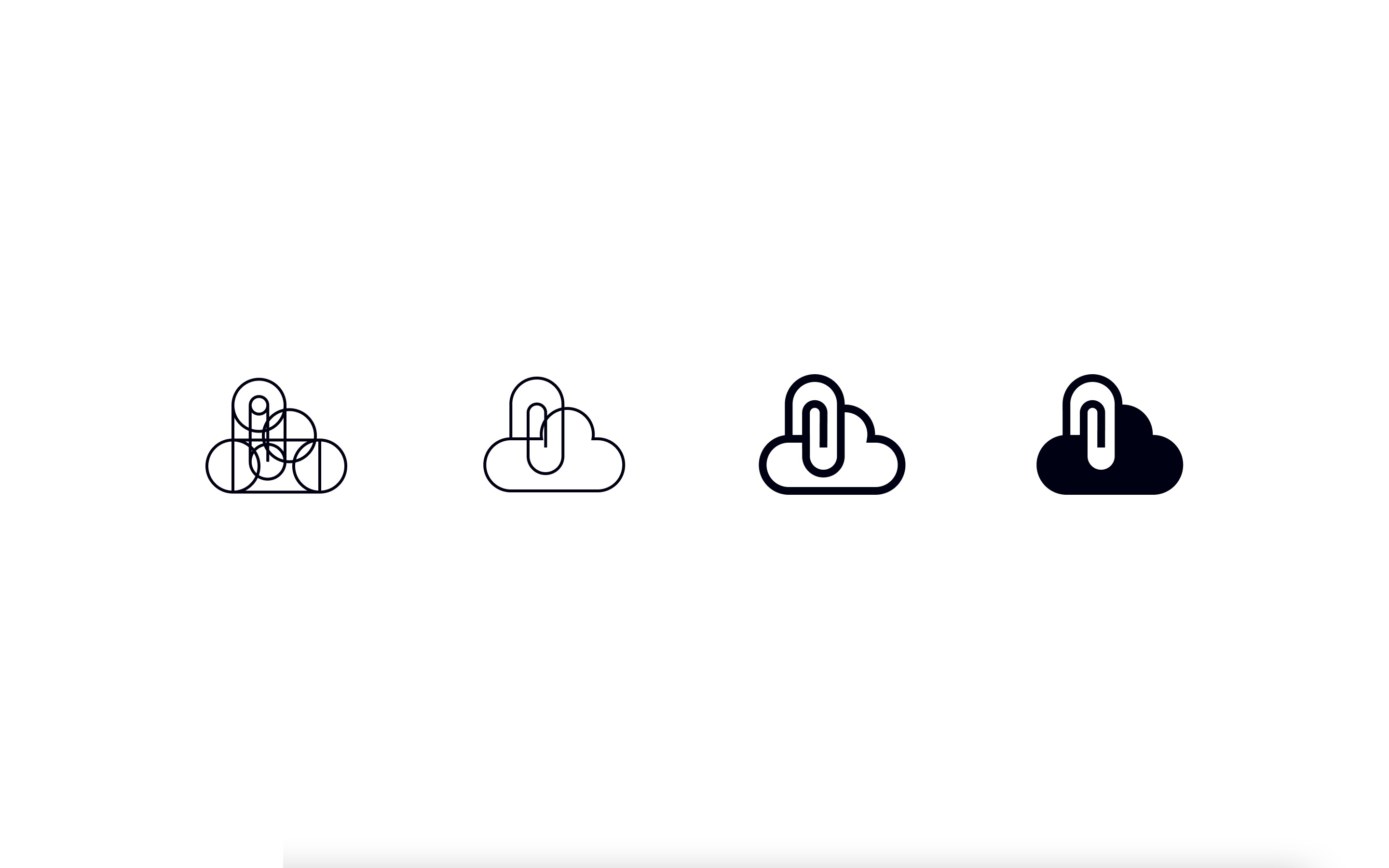
ClipToCloud logo construction process

Logo construction—from geometric primitives to final mark.

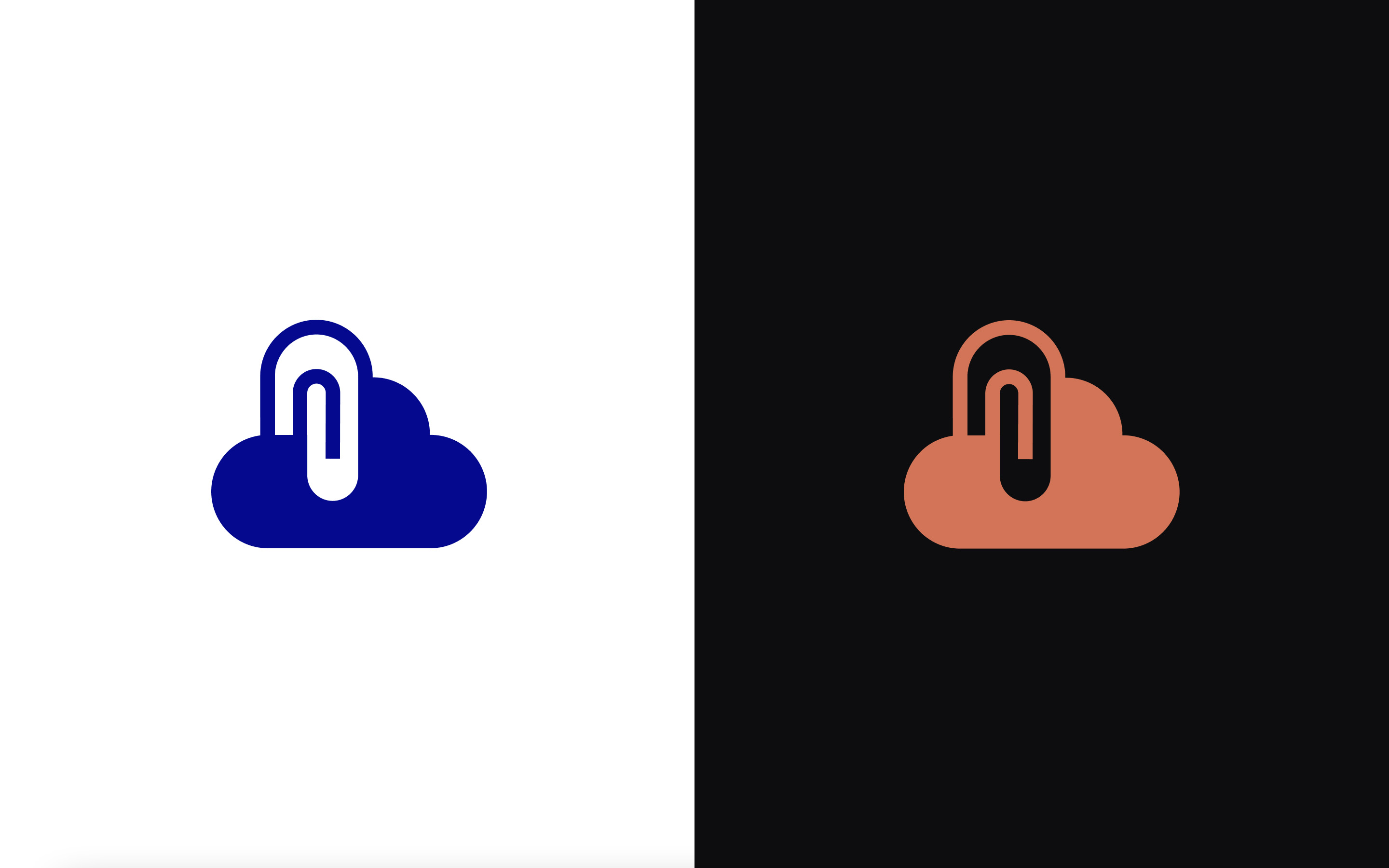
ClipToCloud logo mark in light and dark variants
ClipToCloud wordmark — light and dark modes
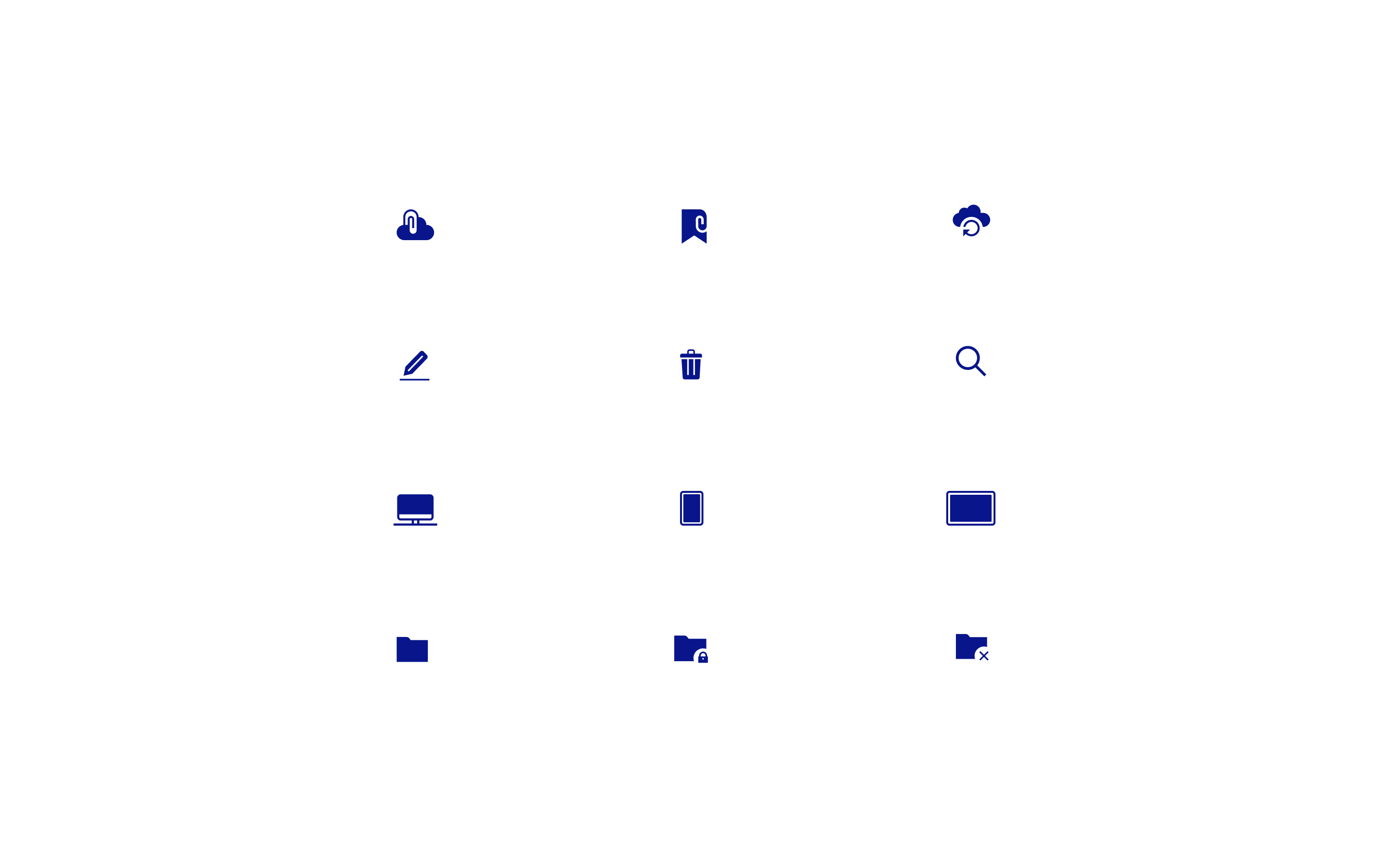
ClipToCloud icon set

Custom icon set for the app and marketing.

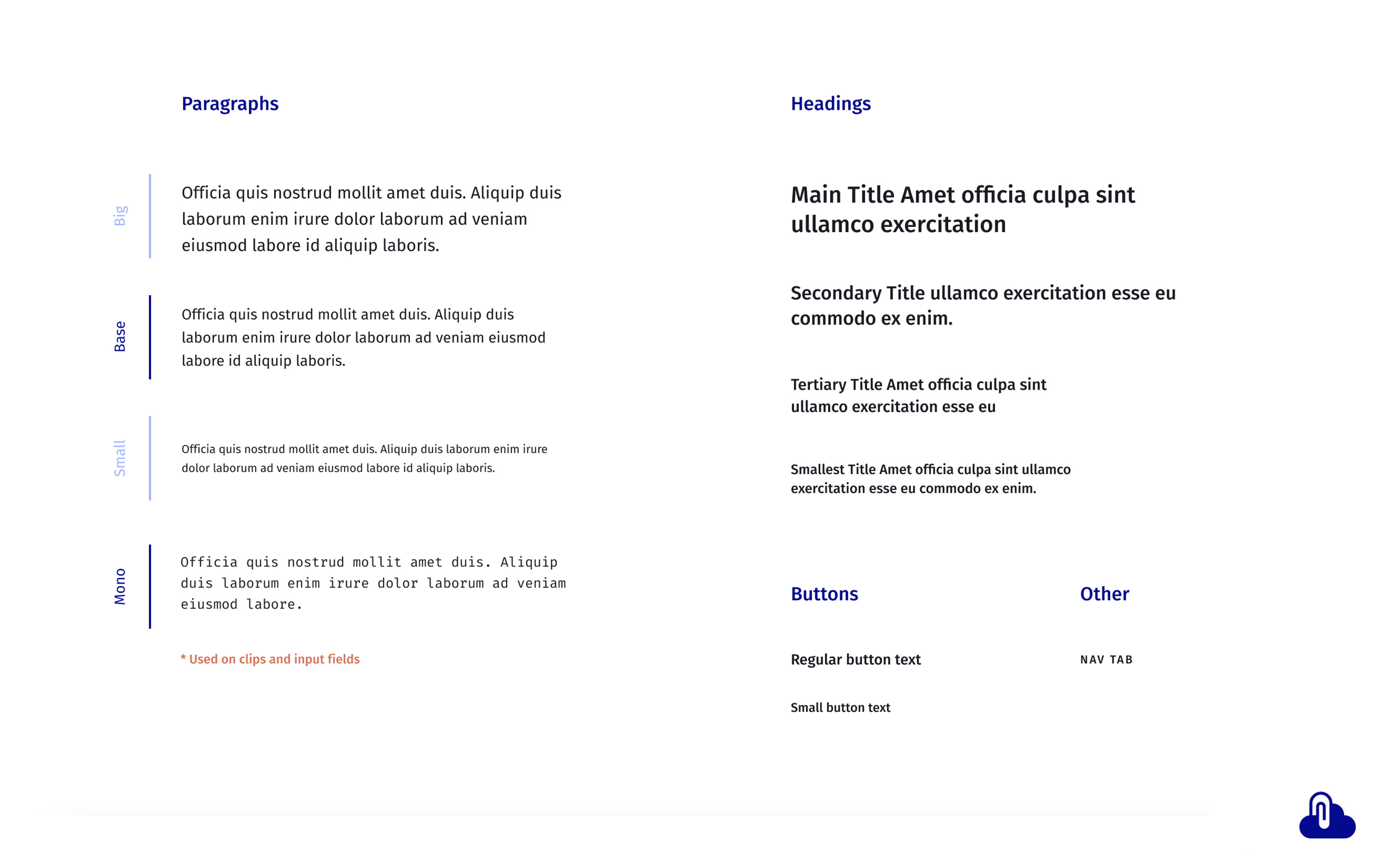
ClipToCloud typography — light
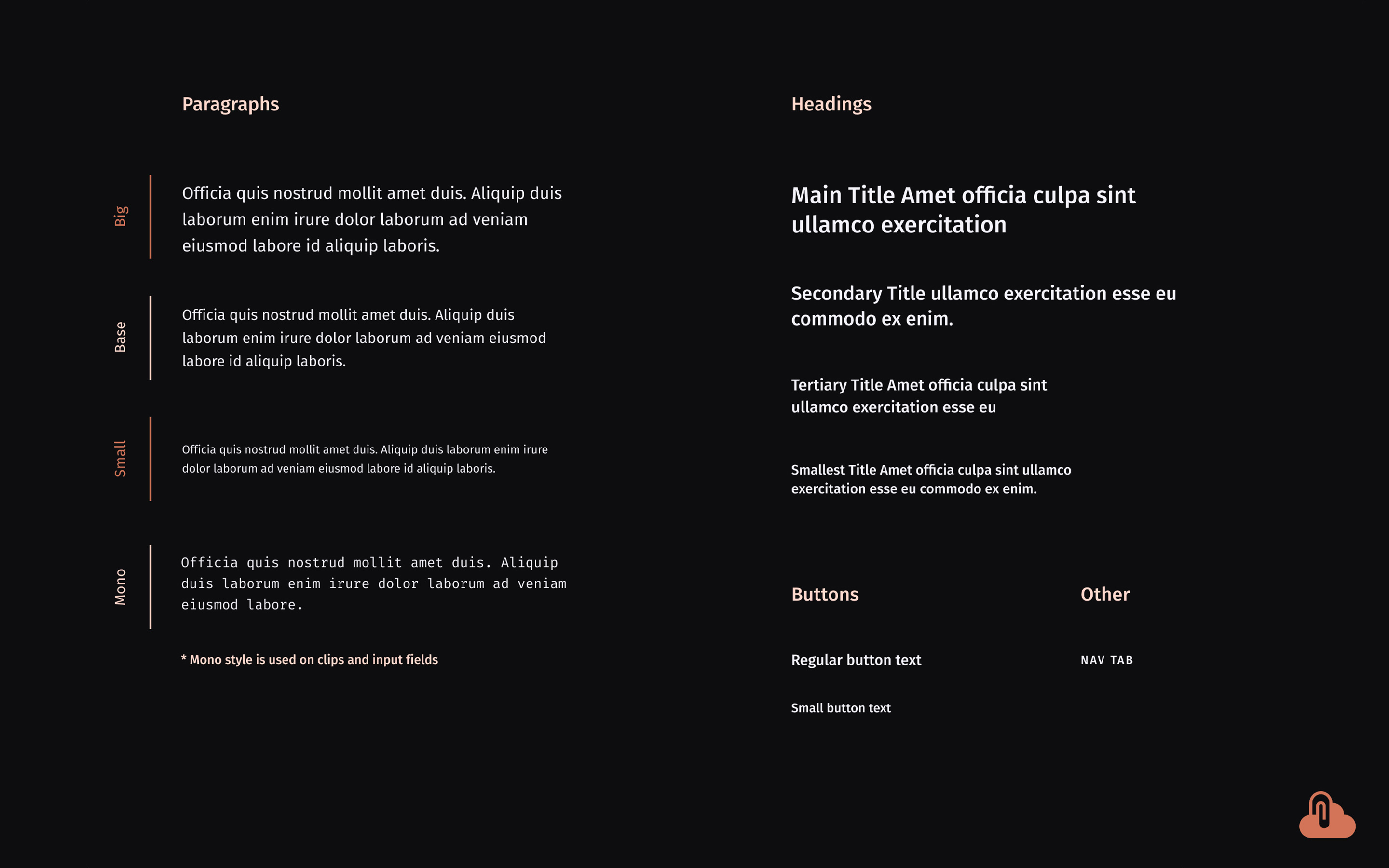
ClipToCloud typography — dark

App

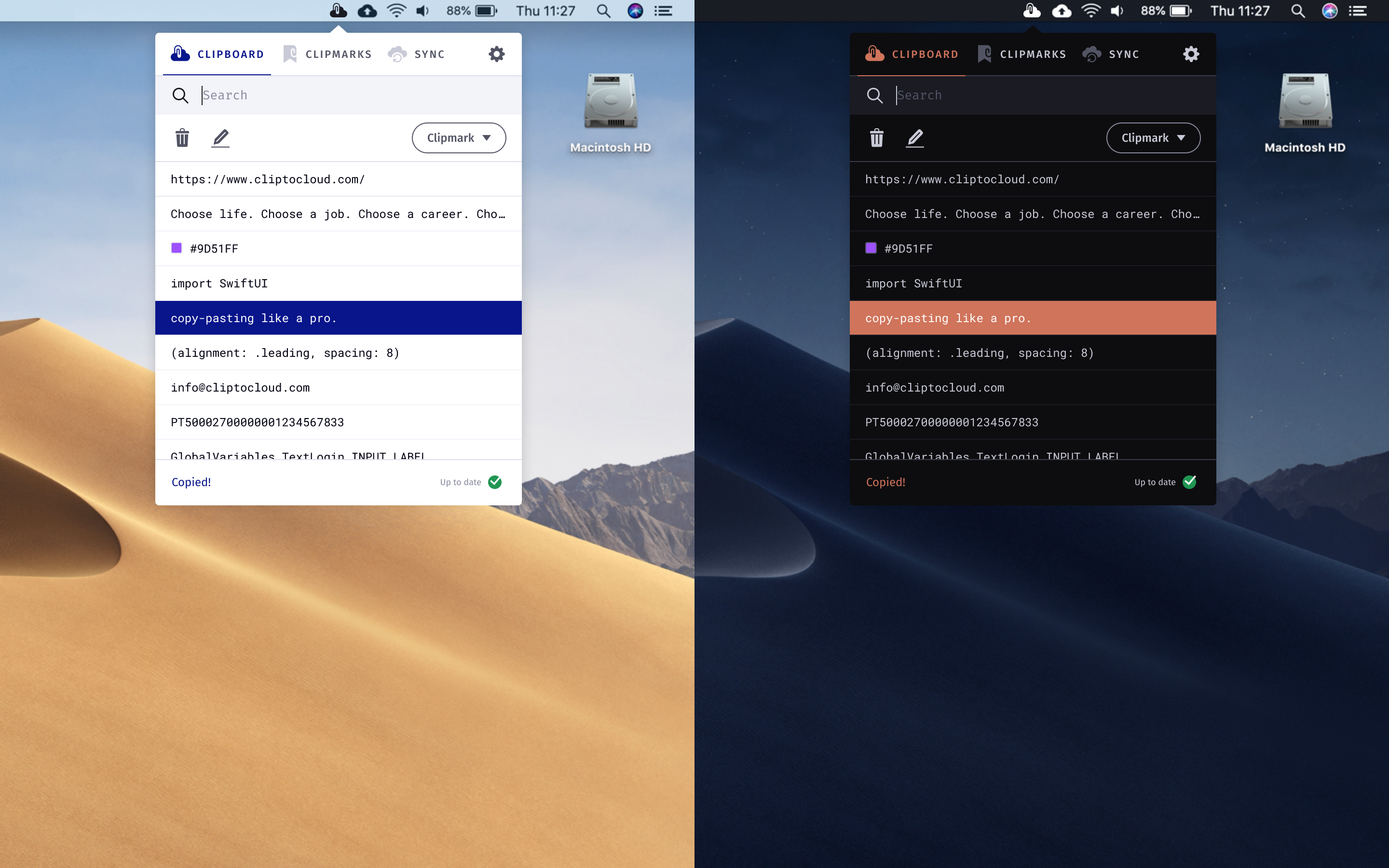
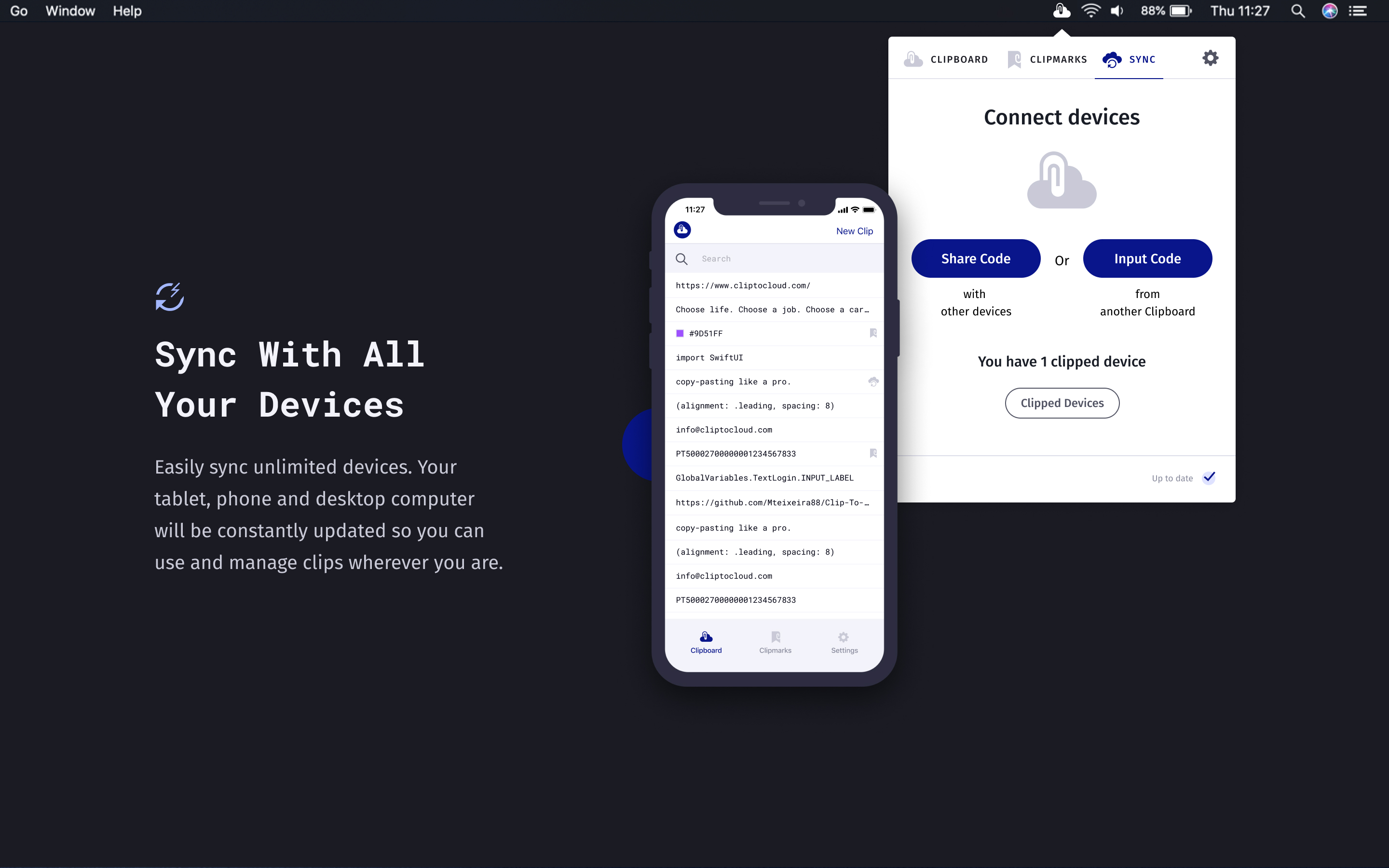
ClipToCloud macOS app in dark and light mode

macOS menu bar app—dark and light modes.

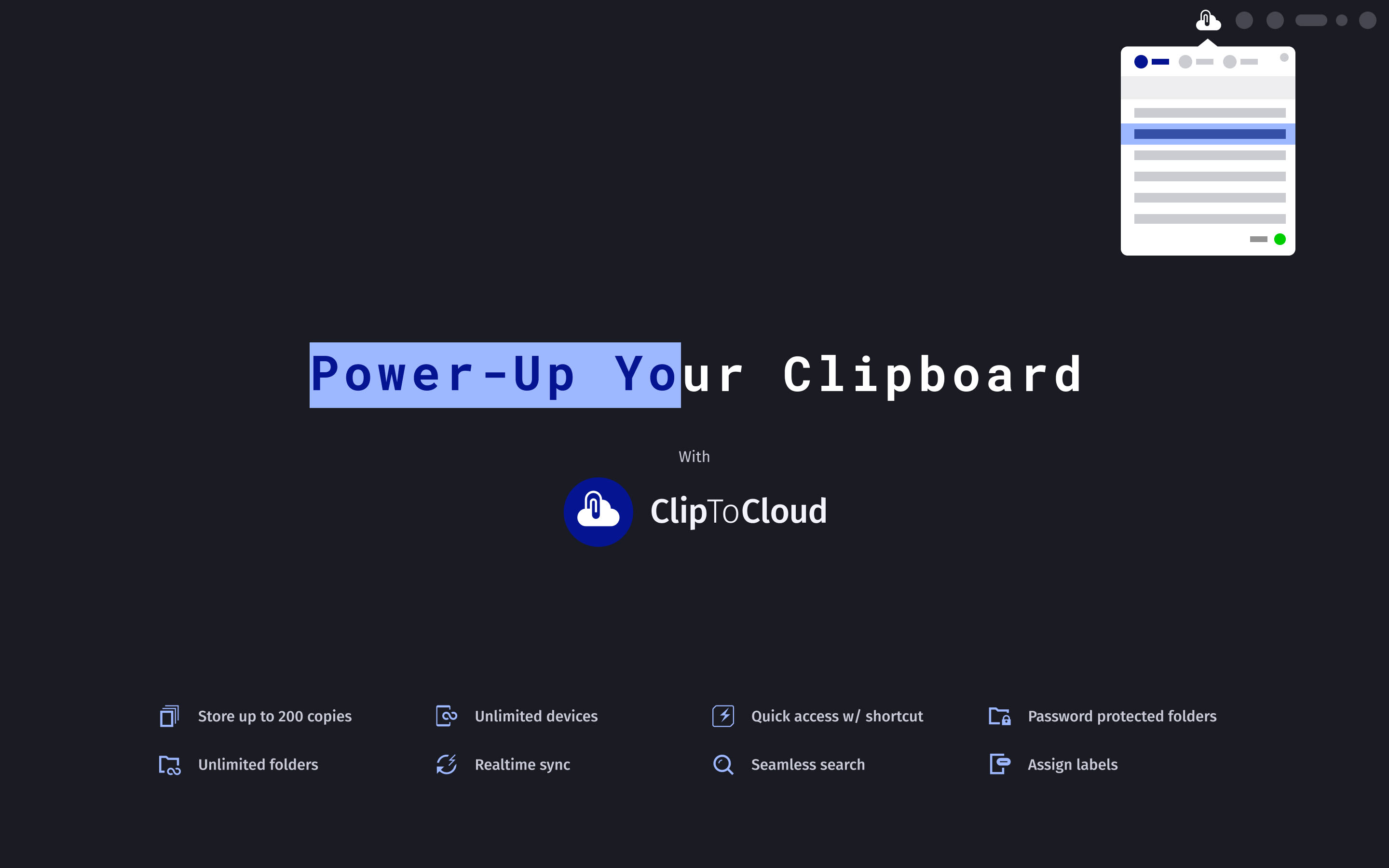
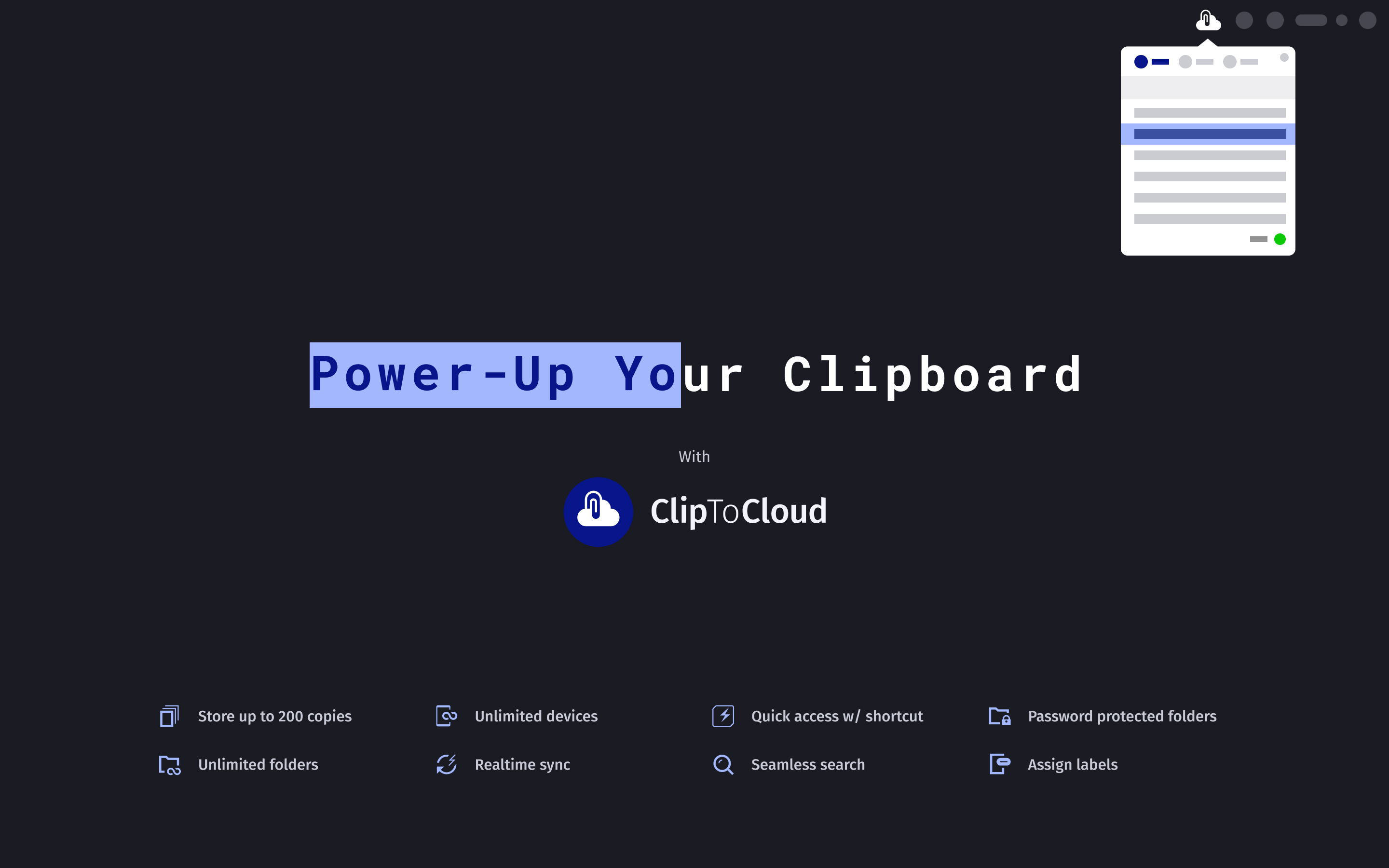
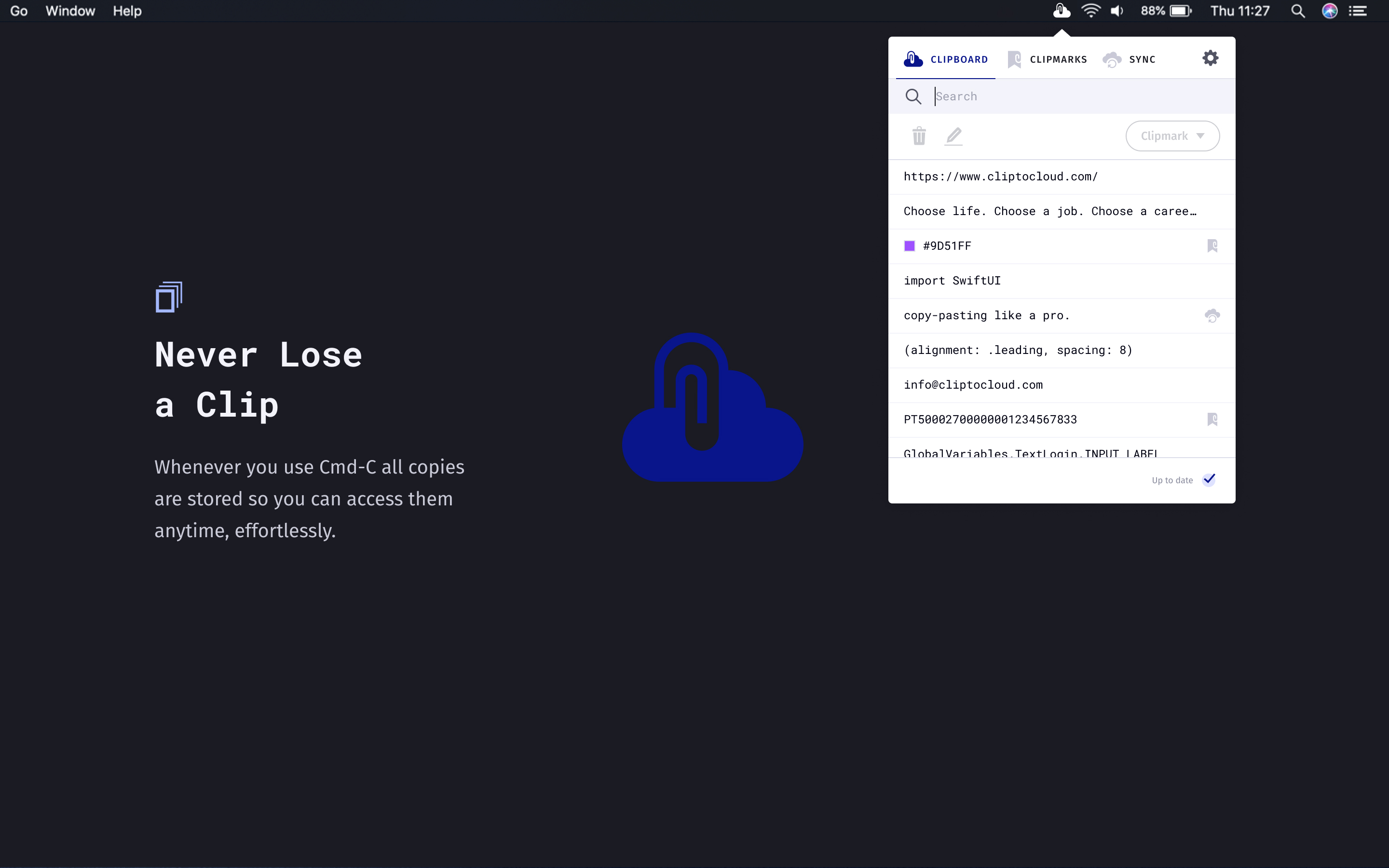
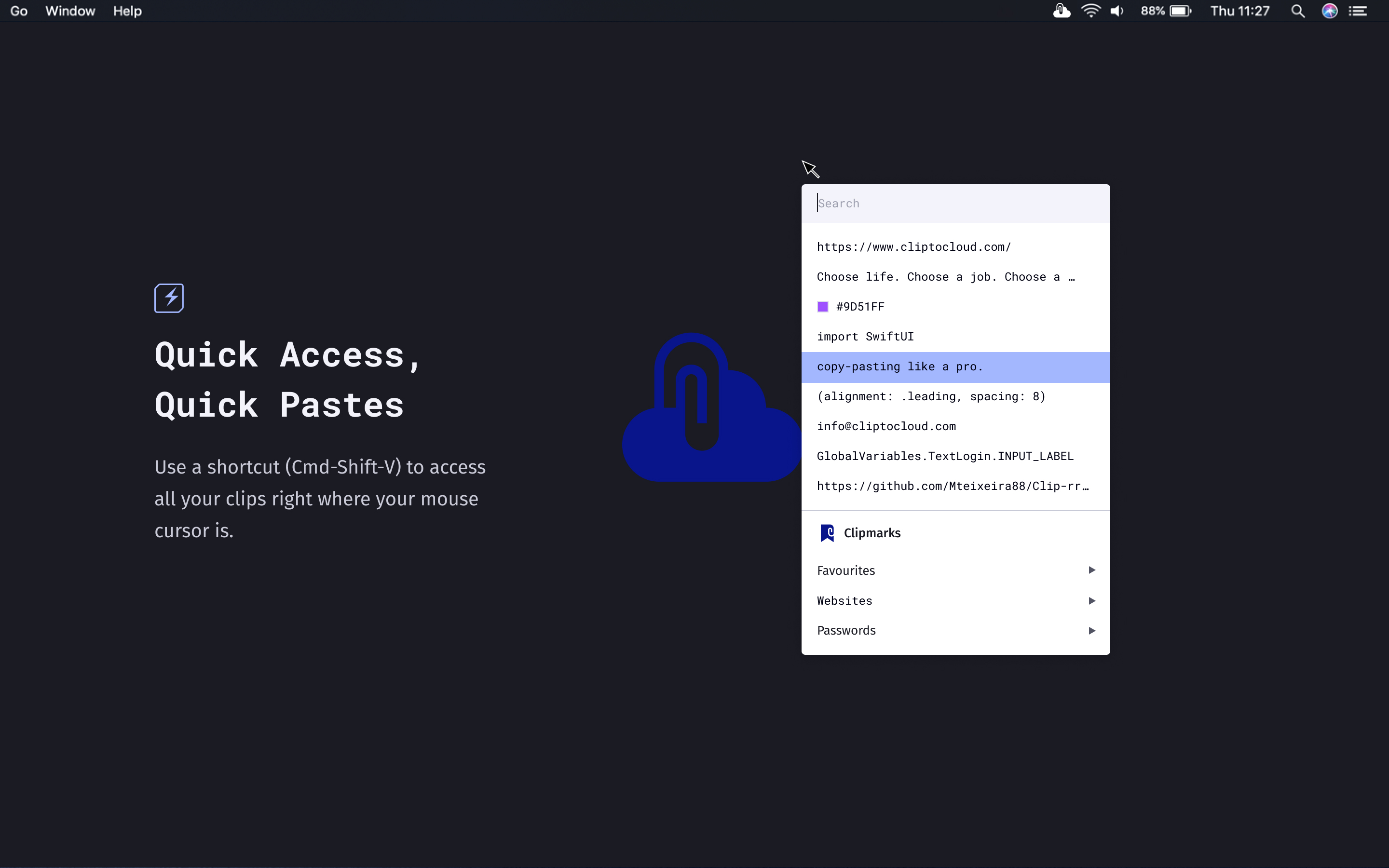
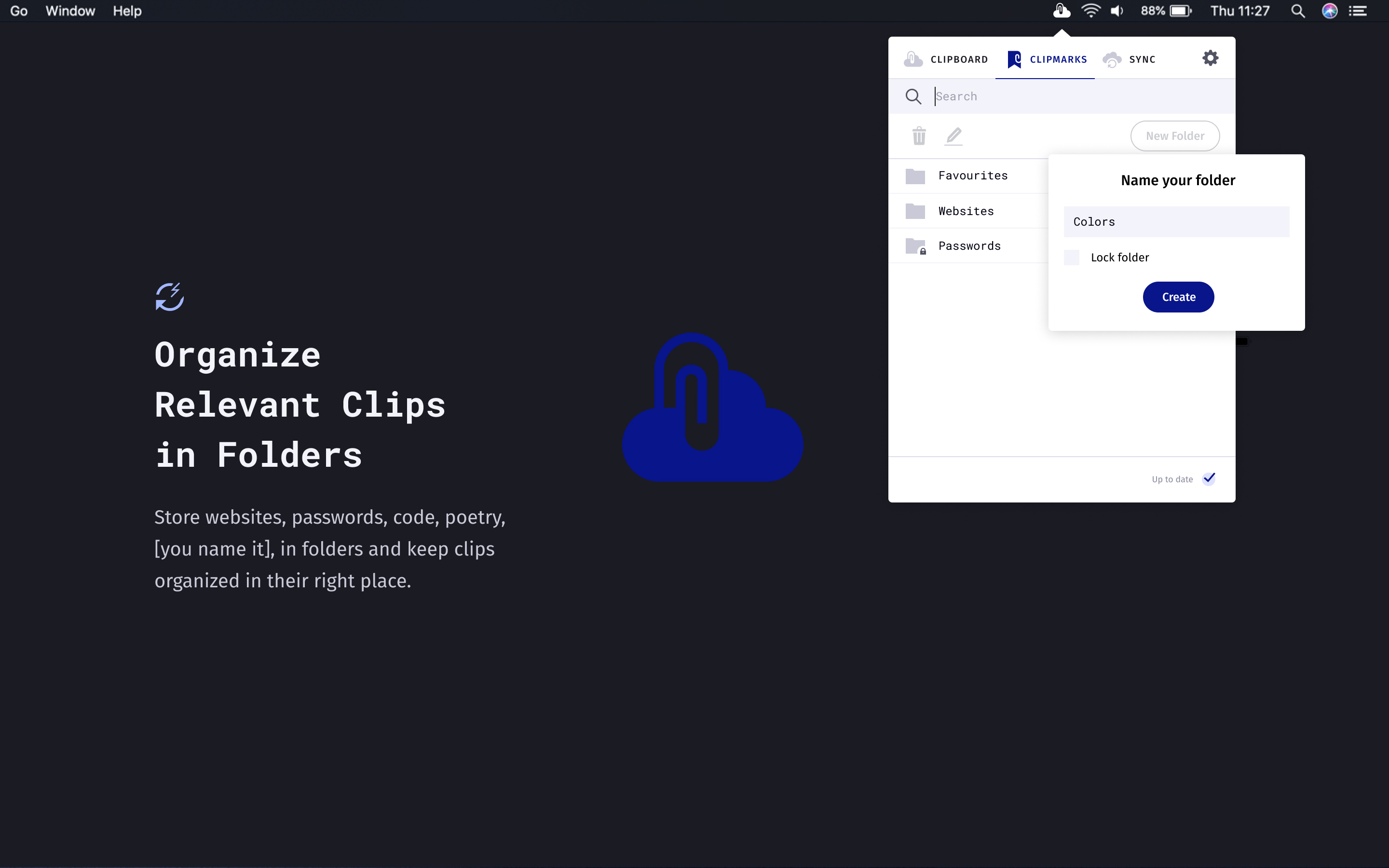
ClipToCloud — Power-Up Your ClipboardNever Lose a ClipQuick Access, Quick PastesOrganize Relevant Clips in FoldersSync With All Your Devices

App Store screenshots.

Website

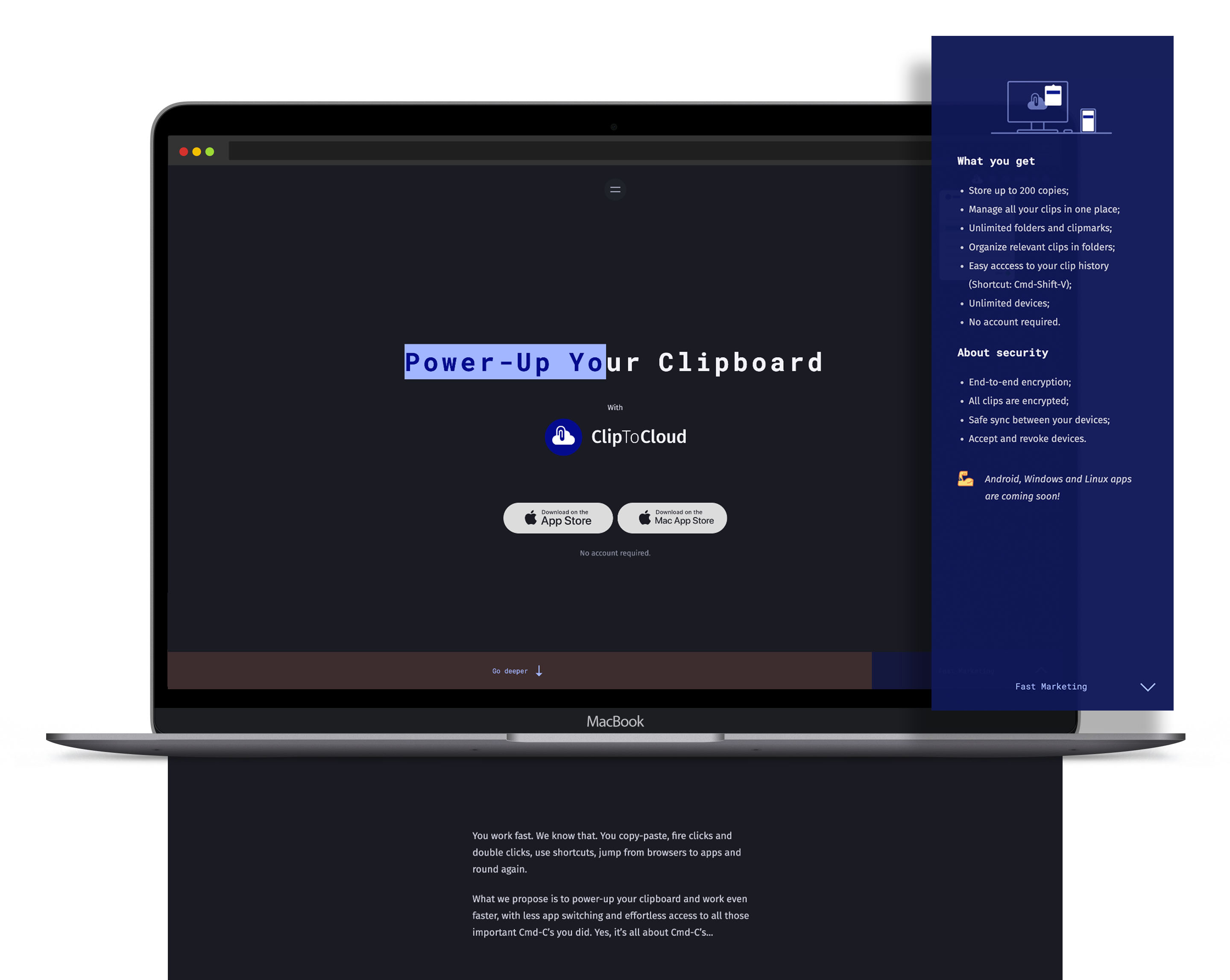
ClipToCloud marketing website on MacBook
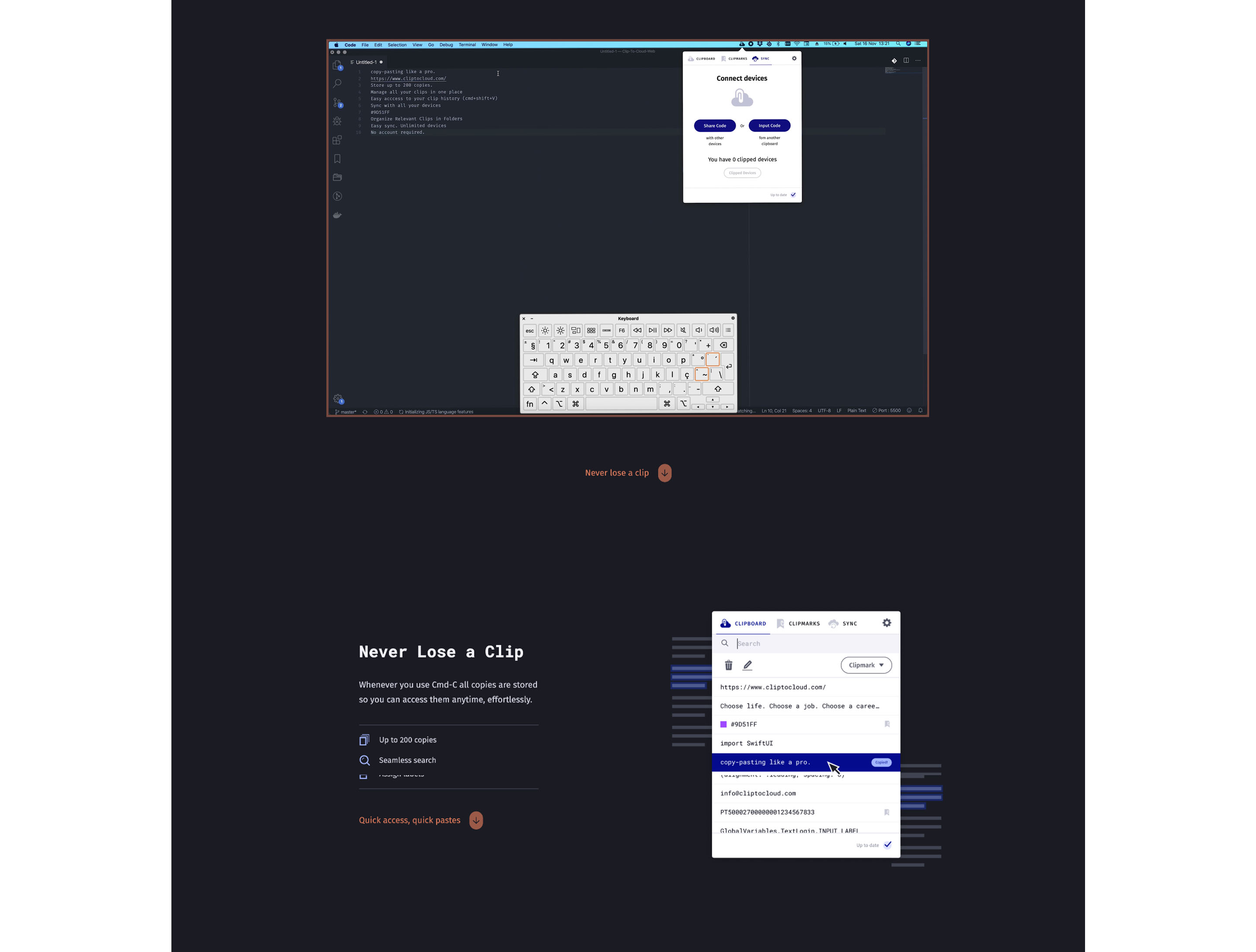
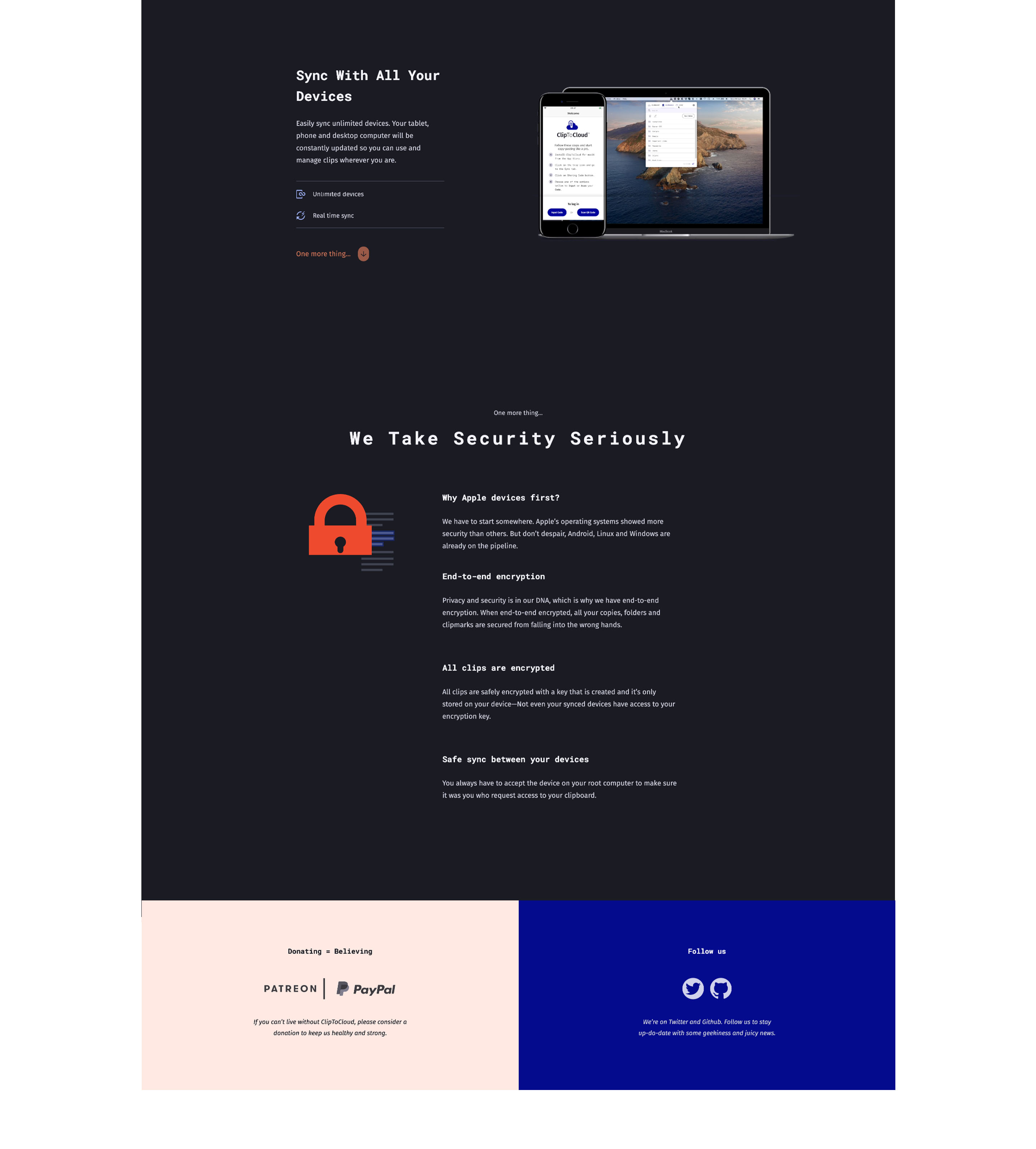
ClipToCloud website — features and sync section

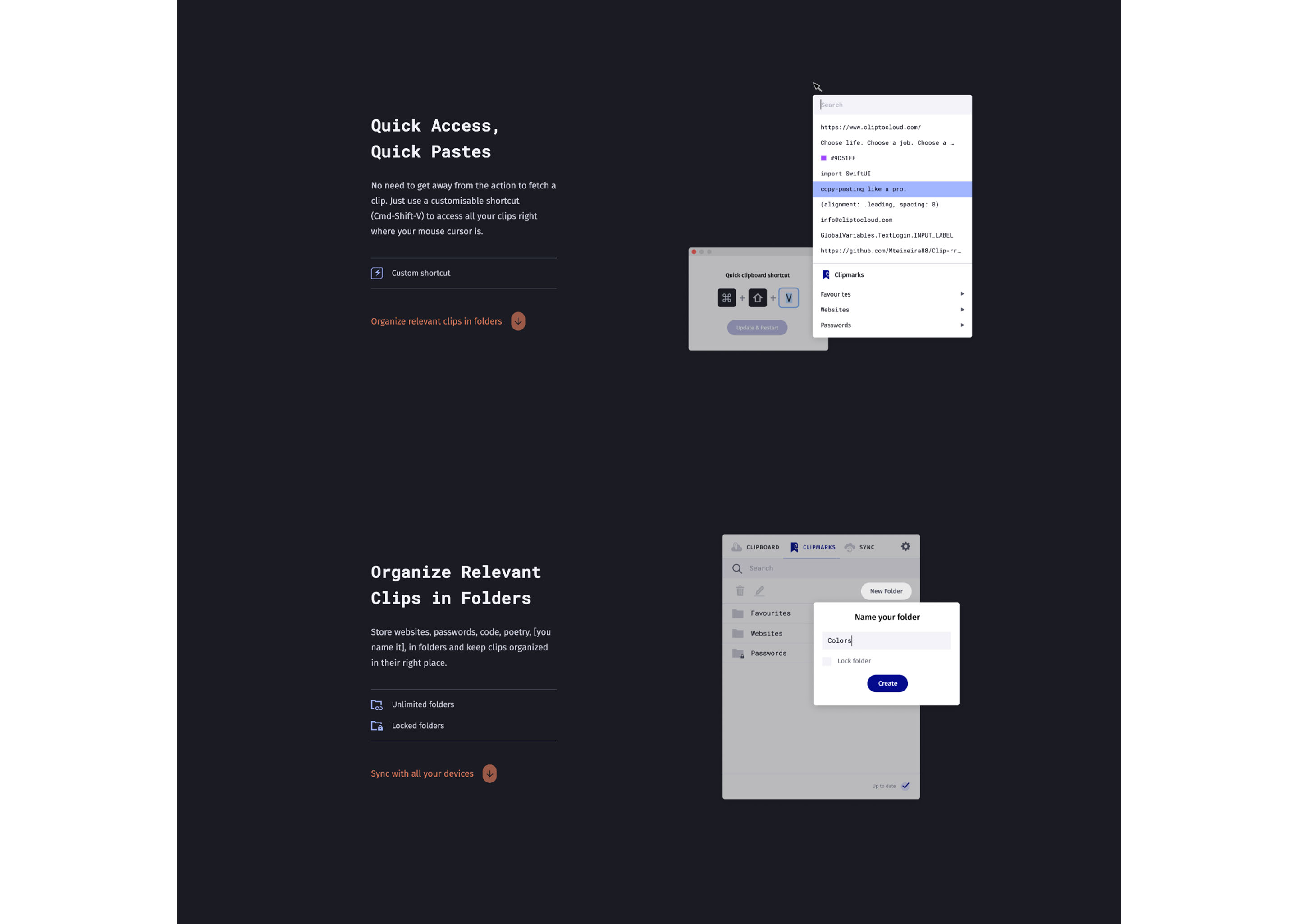
Marketing site—feature sections and app preview.

ClipToCloud website section

About

ClipToCloud was a side project—born from a real itch and built without constraints. A clipboard manager for macOS and iOS with cloud sync, folders, clipmarks, search, and keyboard shortcuts. No accounts required, end-to-end encrypted. It shipped to both App Stores and had a marketing website. The project is no longer active, but the work stands as proof that when something bothers me enough, I’ll design and ship it myself.